
Overview
Overview shows you everything AI sees when it responds. Click the Overview button on any Topic or note to see all related content.
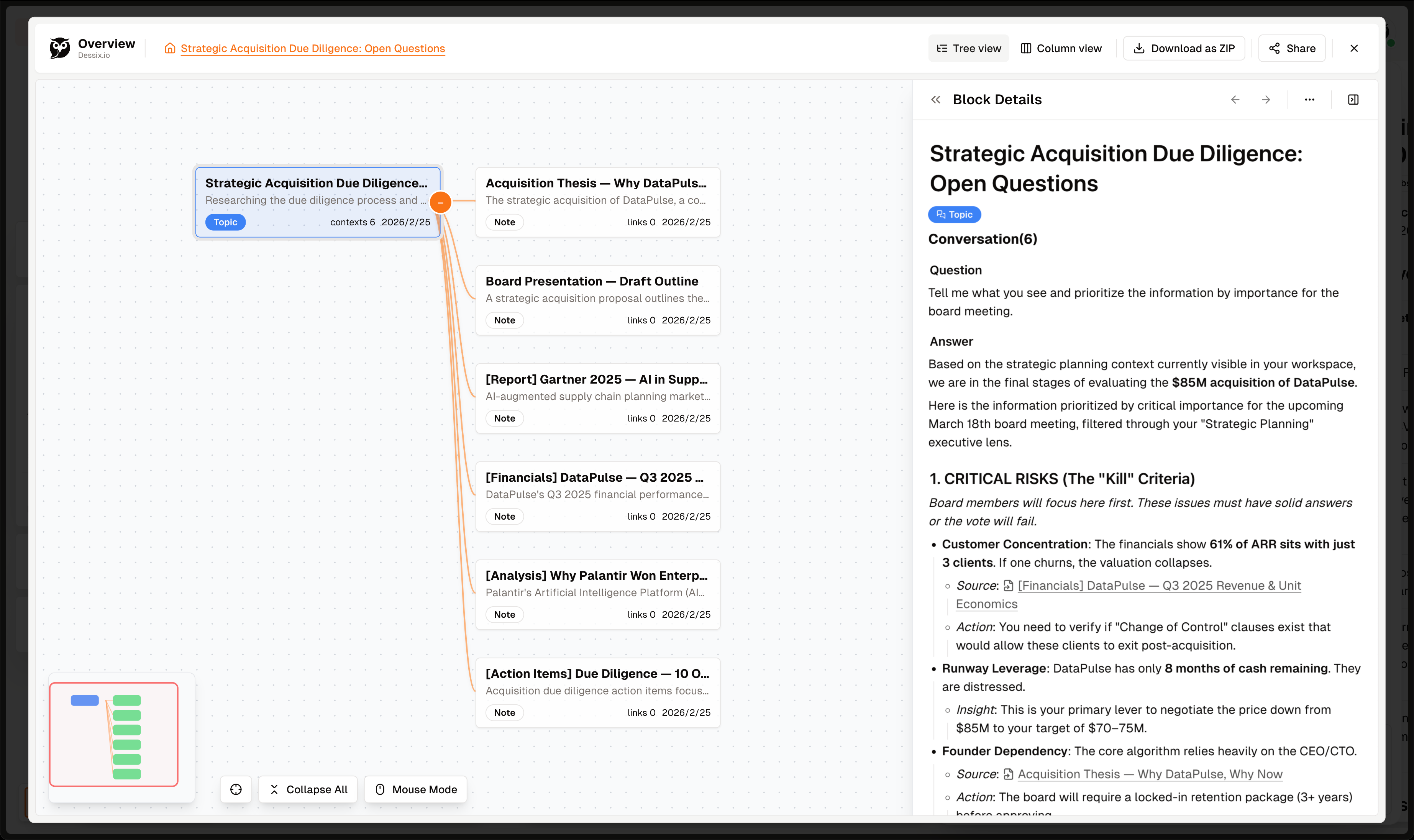
Why Do We Need Overview?
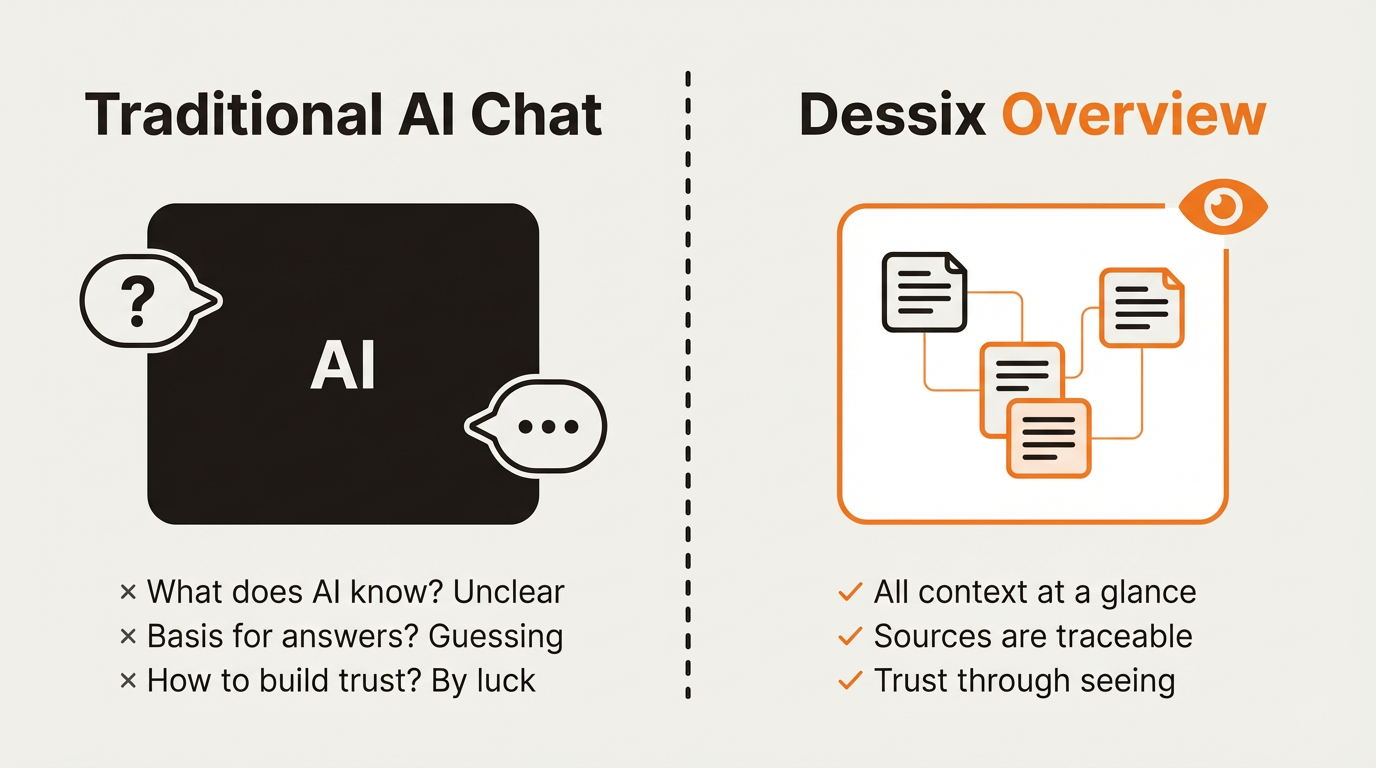
Making AI No Longer a Black Box
Problems with traditional AI conversations:
- What does AI know? Unclear
- What's the basis for answers? Guessing
- How to build trust? By luck
Dessix Overview's Solution:
- All context at a glance
- Sources are traceable
- Trust through "seeing"
Understanding AI's Logic
Overview shows:
- Referenced Content - Content you referenced via
@Mention - Visible Content - Other notes expanded on the canvas
You can clearly see exactly what information AI referenced when answering.
How to Use Overview
Viewing Methods
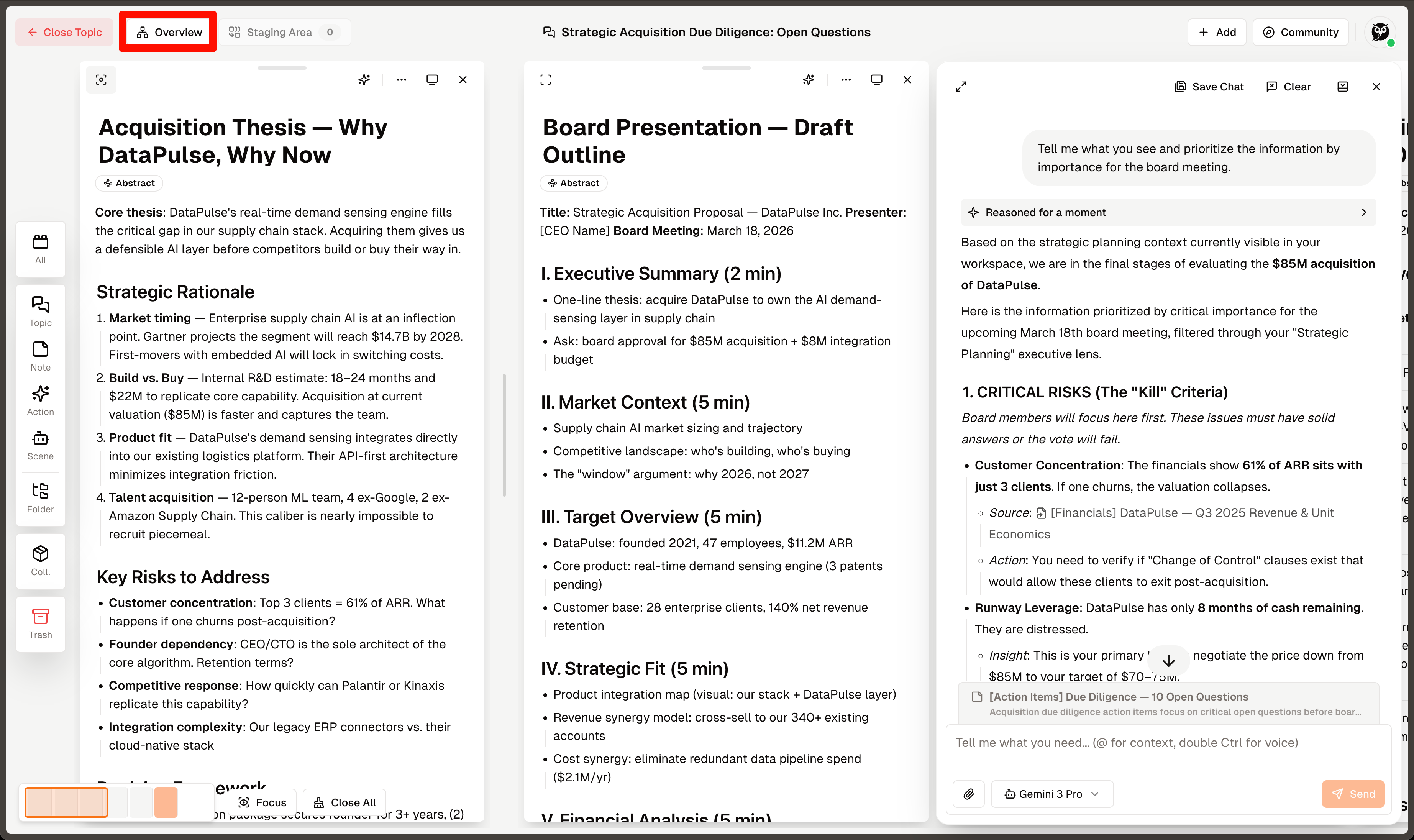
- Click the
Overviewbutton at the top of a topic - Or right-click on any note → Select
Overview - View the
Context(n)area in the Block Details panel
Usage Scenarios
- Check what content AI saw when answering.
- Understand why AI answered the way it did.
- Adjust context to let AI focus on the right information.
Tips:
If AI's answer isn't accurate enough, check Overview to find the reason:
- Missing key information? → Add relevant notes
- Referenced wrong content? → Remove or correct
- Too much clutter? → Clean up the canvas