
Browser Extension
After installing the Dessix browser extension, you can:
- Chat with AI directly by selecting a Scene on any webpage
- Save webpage content to Dessix
- Use AI anytime without switching windows
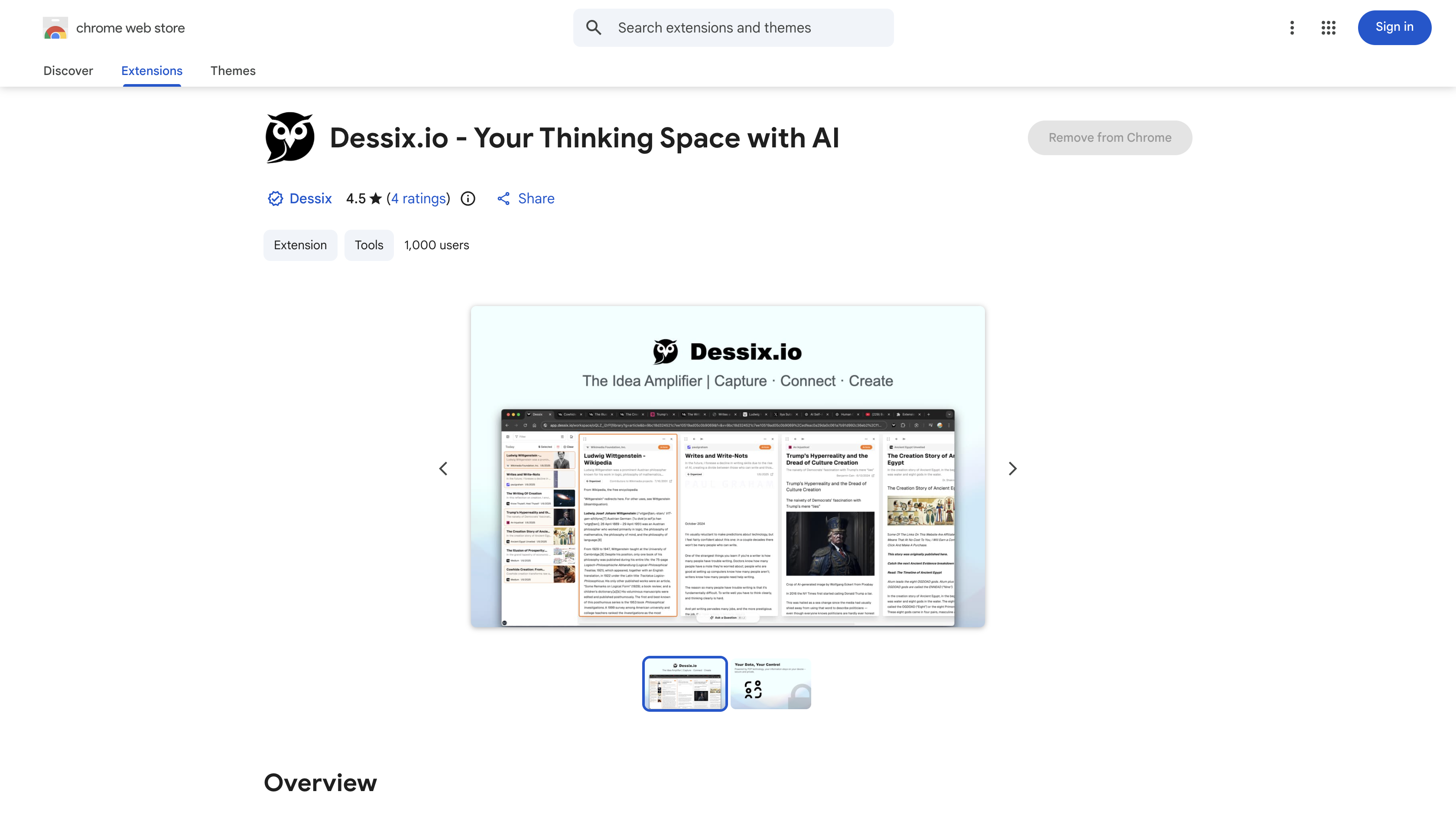
Core Features
Chat Directly on Webpages
Click the extension icon on any webpage to:
- Select a
Scene(e.g., "Academic Research Assistant", "Deep Thinking Expert") and chat with AI directly. - Conversations automatically create a new Topic saved to Dessix.
Usage Scenarios:
- Ask AI questions while reading articles.
- Get AI to summarize key points while browsing materials.
- Discuss interesting content with AI immediately.
One-Click Webpage Saving
When you find valuable content, click the extension to save it to Dessix:
- Automatically extract webpage content
- Save as a note
Usage Scenarios:
- Collect learning materials
- Save inspiring articles
- Build reference materials
How to Use
- Visit Chrome Web Store or Edge Add-ons Store
- Search for "Dessix"
- Click
Add to Browser
Use Extension
Method 1: Chat
- Click the extension icon on any webpage
- Select a
Scene(optional) - Ask questions - AI will answer based on the current webpage content
- Conversations are automatically saved as new
Topics
Method 2: Save
- Click the extension's
Savebutton - Choose save location (
Topicor folder) - Webpage content is automatically saved to Dessix
Extension Advantages
More Convenient Access:
- No need to switch windows - use directly on webpages
- Instant conversations - ask as you see
- Auto-save - conversation records never lost
Works with Dessix Main App:
- Extension conversations create new
Topics - Continue editing and organizing in the main app
- All data syncs in real-time